Remove Unwanted Objects from Images Instantly
Upload your photo, brush over the object you want to remove, and let AI intelligently fill the area with a natural, seamless result. Perfect for product photos, portraits, and travel shots.
Click to upload or drag and drop
Support JPG, PNG, WEBP up to 20MB
Processing may take 1–2 minutes for complex images.
Your cleaned image will appear here
Your AI-edited image will be displayed here
Object Removal Examples
See how AI object removal handles product photos, portraits, travel shots, and everyday images.

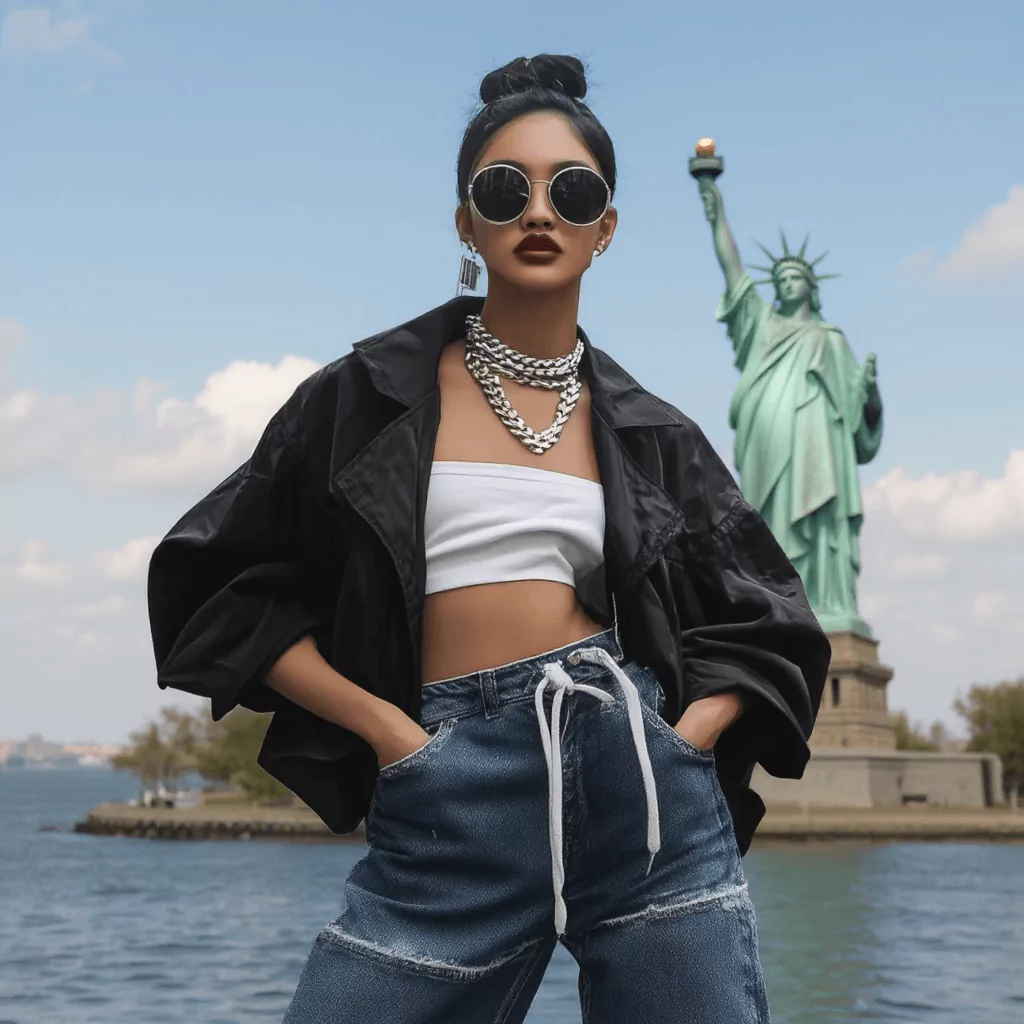
Product Photos
Remove props, labels, or distractions from e-commerce product images.
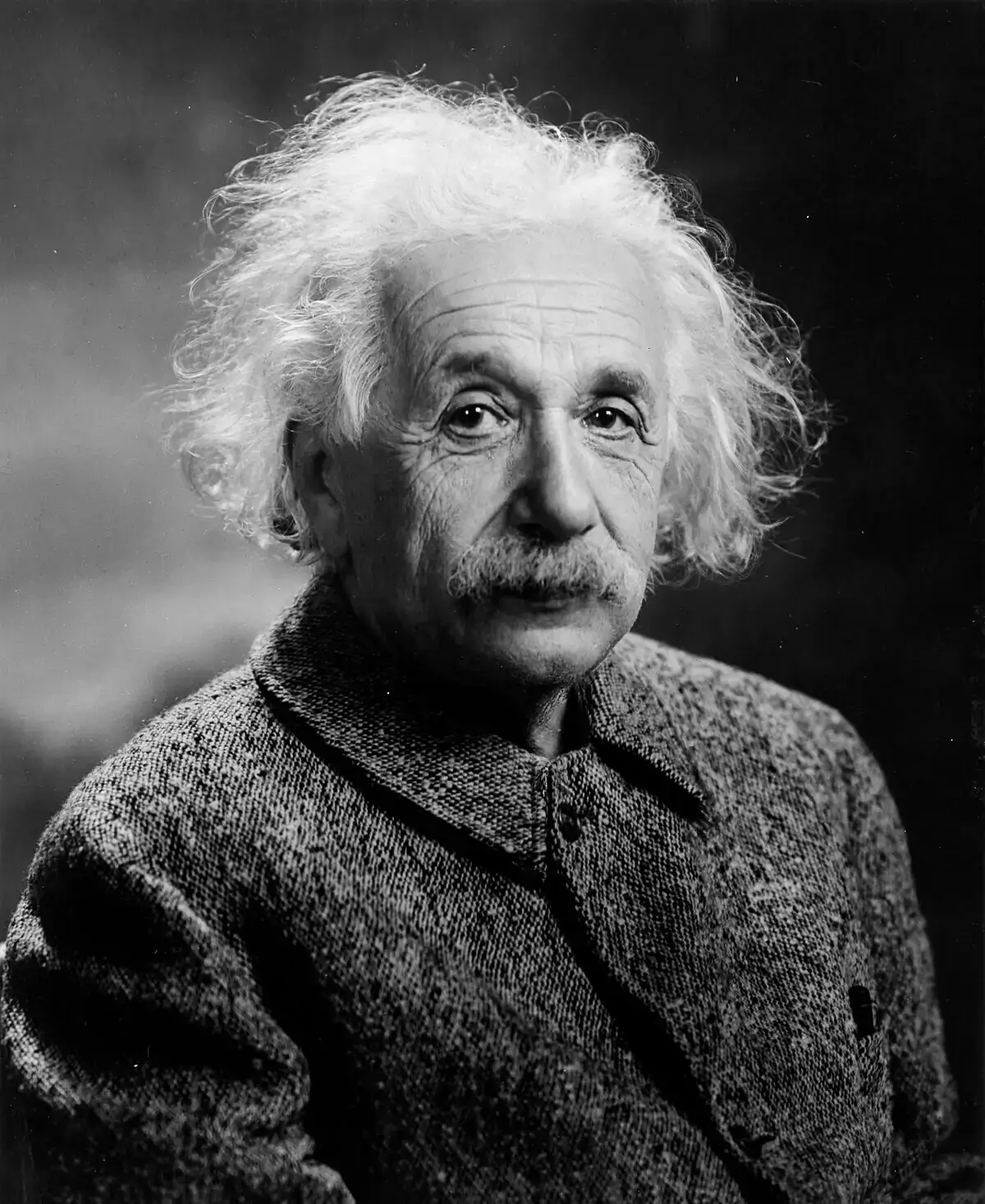
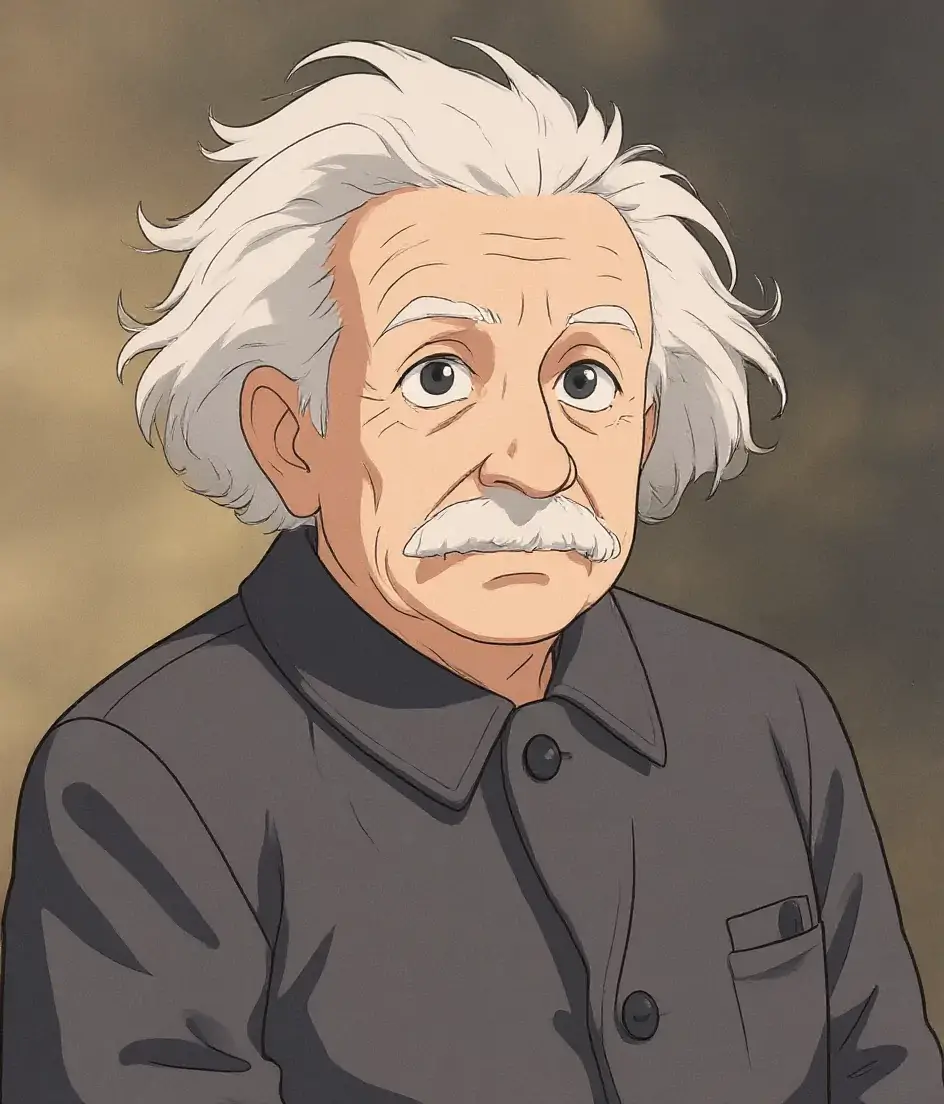
Portrait Retouching
Erase blemishes, stray hairs, or background clutter from portraits.
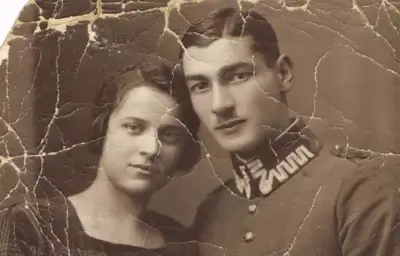
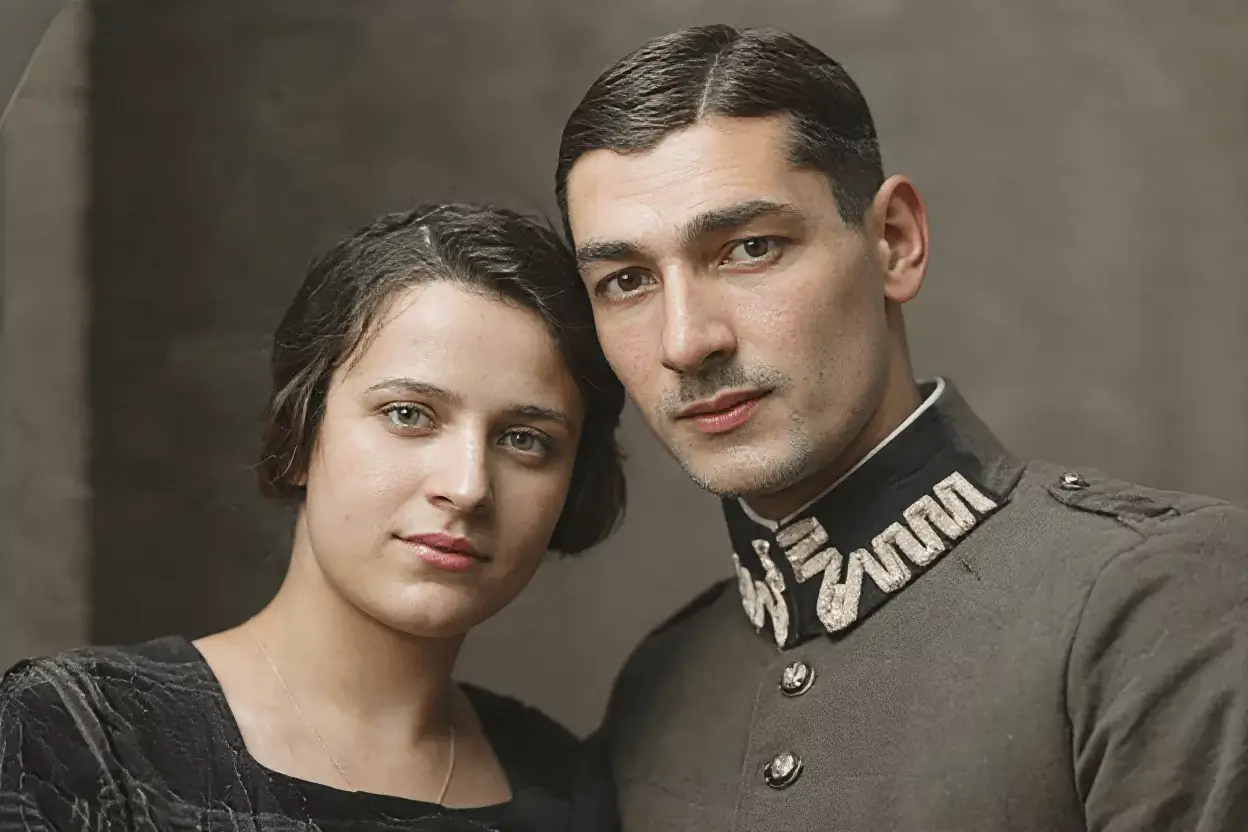
Street & Scene
Remove passersby, signs, or unwanted elements from street photography.
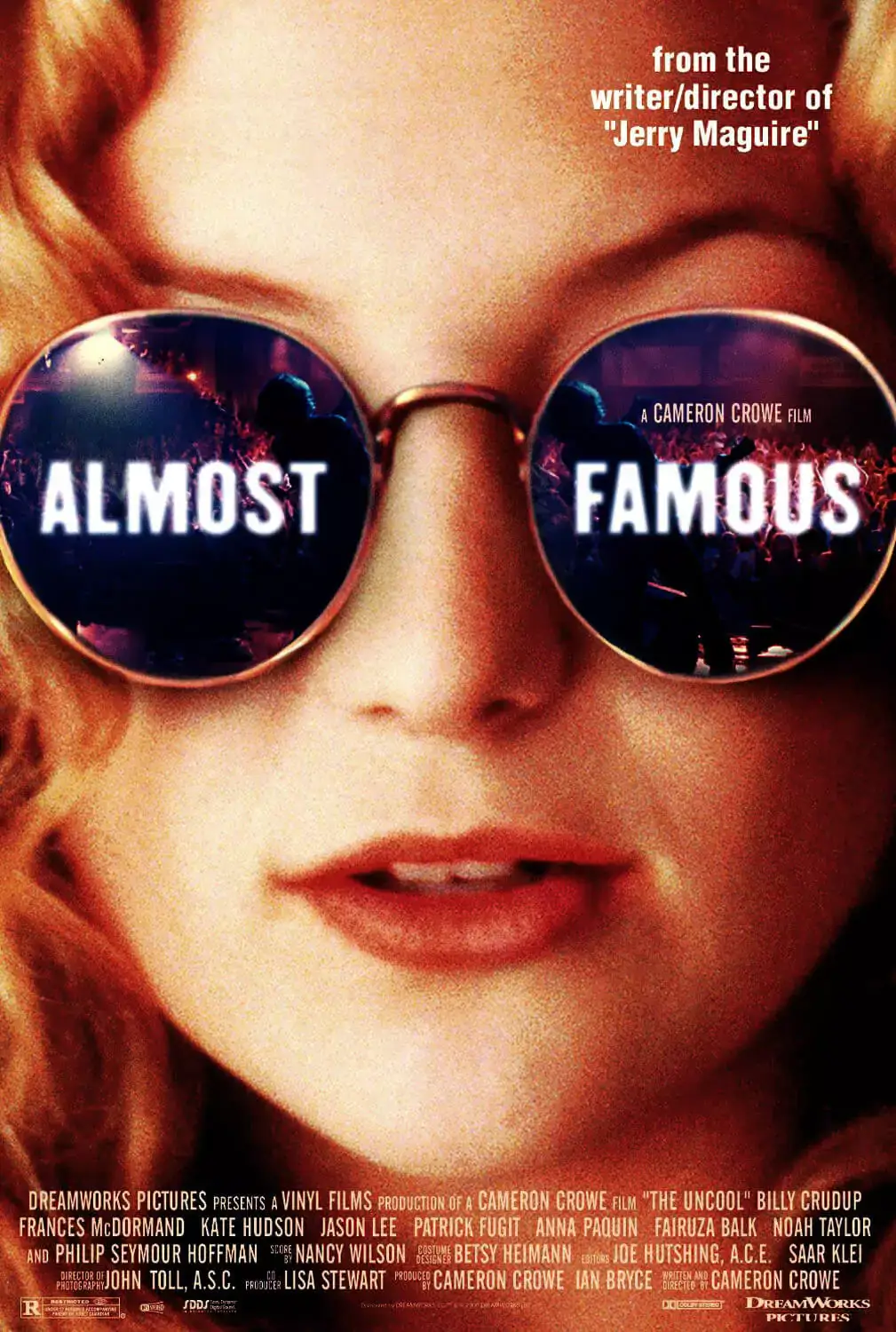
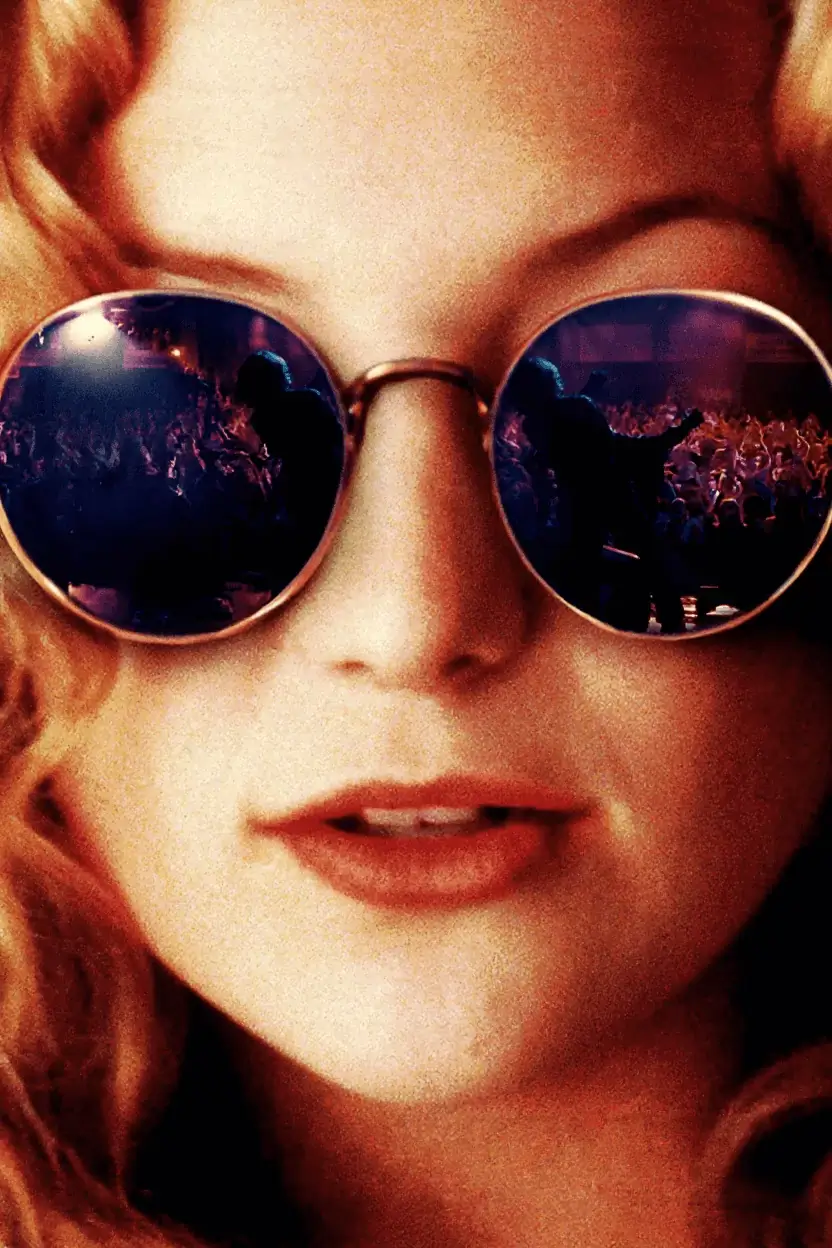
Travel Photos
Clean up tourist crowds and objects from vacation photos.
Why Use AI Object Remover?
Powered by PicWish inpaint technology, our tool lets you precisely select any region and reconstruct the background naturally.
Precise Brush Mask
Paint exactly what you want removed — no complex selection tools needed.
Natural AI Inpainting
AI reconstructs the background with realistic textures, lighting, and context.
Remove Anything
People, objects, watermarks, blemishes, wires, and more — all with one tool.
How It Works
Powerful Features
Built on PicWish Objects Removal API, integrated through the same credits and job workflow as other AI image tools.
Mark removal areas with an adjustable brush — fast and precise.
PicWish AI fills removed regions with context-aware, natural results.
Supports JPG, PNG, WEBP input with PNG or JPG output.
Most images complete within 30–120 seconds.
Images are processed securely and not stored permanently.
Same credits system, job history, and gallery as other VeryPix tools.
Use Cases
From e-commerce to content creation, remove unwanted objects for any type of image.
E-Commerce
Clean product photos by removing props, tags, and background clutter.
Portraits
Retouch skin blemishes, stray hairs, or background distractions.
Travel Photography
Remove tourists, trash, or unwanted objects from vacation shots.
Social Media
Create cleaner, more polished content for Instagram, TikTok, and more.
Marketing Materials
Remove distracting elements from banners, ads, and promotional images.
Design Assets
Clean up mockups and templates by removing sample elements.
Use object removal responsibly and only on images you have the right to edit.
Frequently Asked Questions
How does AI object removal work?
You upload an image and paint a mask over the object to remove. PicWish AI uses inpainting to reconstruct the area with natural background content.
How long does processing take?
Most images complete within 30–120 seconds depending on image size and complexity.
What can I remove?
People, objects, watermarks, blemishes, wires, text overlays, and other distractions. The removal area should not exceed 50% of the image.
What image formats are supported?
Upload JPG, PNG, or WEBP up to 20 MB. Output can be PNG or JPG. Maximum resolution is 4096×4096.
How many credits does it cost?
Each object removal costs 5 credits, the same as other PicWish-powered tools on VeryPix.
Ready to Clean Up Your Photos?
Upload an image, brush over the unwanted object, and get a natural result in minutes.
Try AI Object Remover