Restore/Enhance Old Photos with AI
Upload a faded, scratched, or damaged photo—or pick a reference example—and let FLUX.1 Kontext restore details, fix damage, and bring old memories back to life.
Click to upload an old photo or drag and drop
Support JPG, PNG, WEBP, GIF up to 20MB
No photo ready? Pick a reference image below to try photo restoration.
Your processed image will appear here
Your AI-edited image will be displayed here
How to Restore Old Photos
Upload or Pick Reference
Upload your old, faded, or damaged photo, or choose a reference example.
AI Restores the Image
FLUX Kontext fixes scratches, damage, and colorizes while preserving identity.
Download Restored Photo
Preview the restored result and download your enhanced photo instantly.
Photo Restoration Examples
See how FLUX.1 Kontext Restore Image brings old and damaged photos back to life.
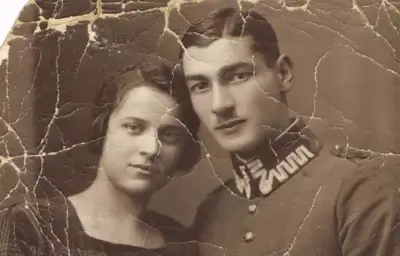 BEFORE
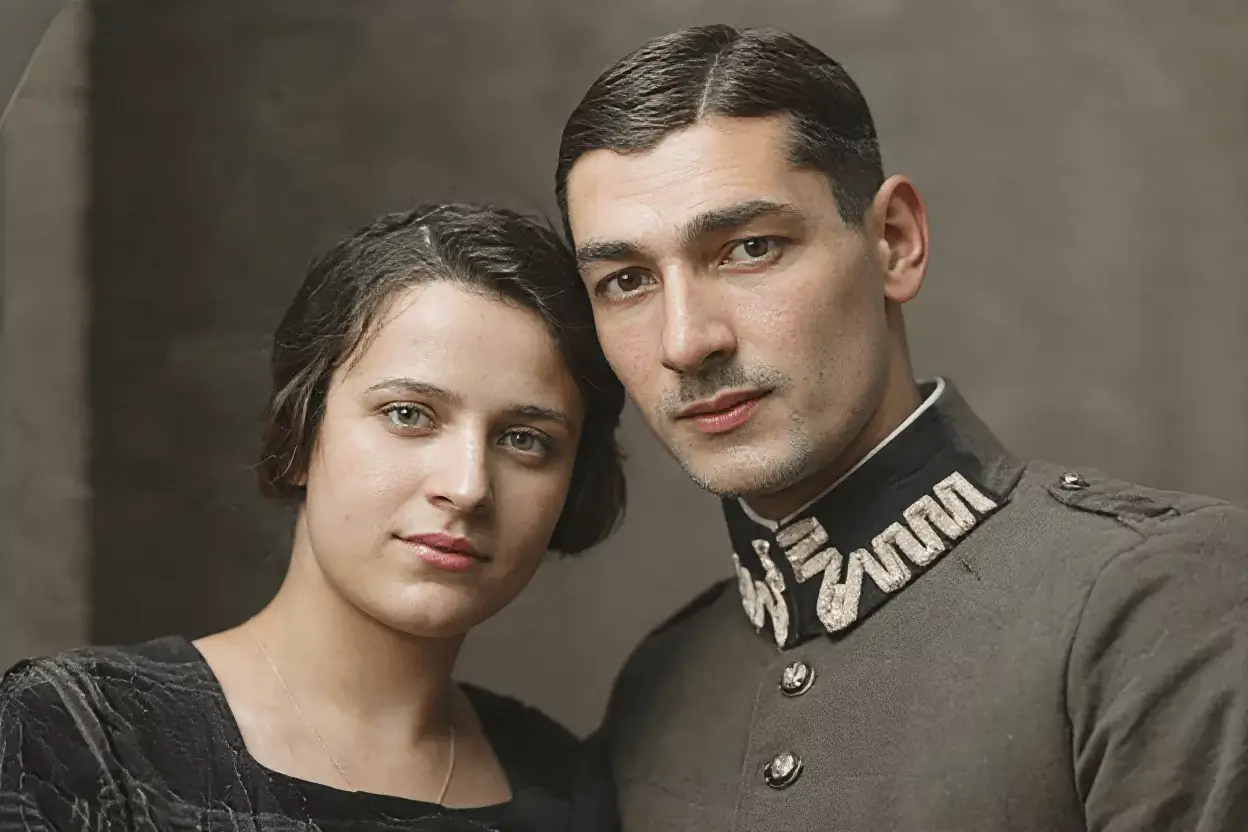 AFTER
AFTERVintage Portrait Restoration
Restore faded portraits with improved clarity, color, and facial detail.
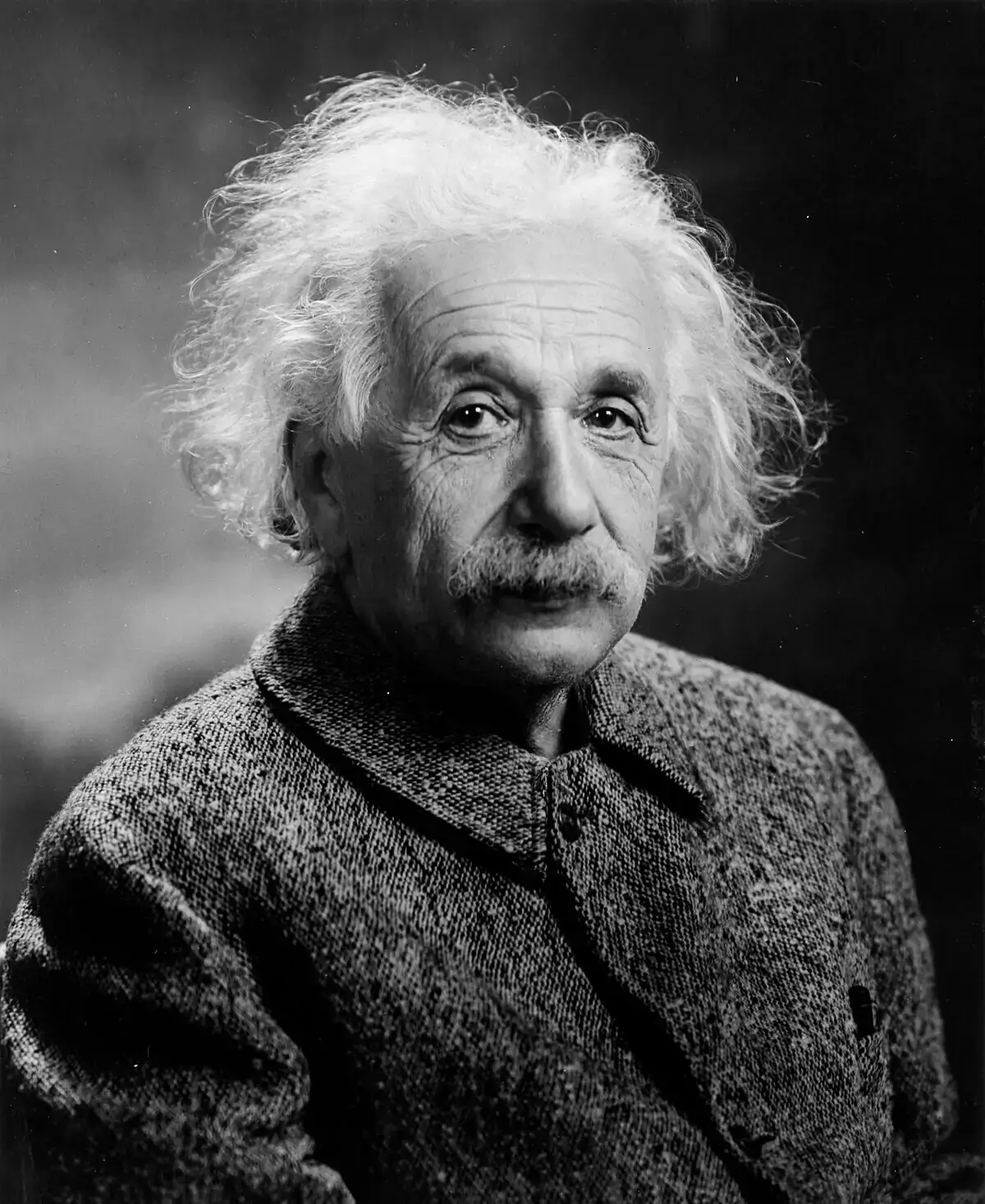 BEFORE
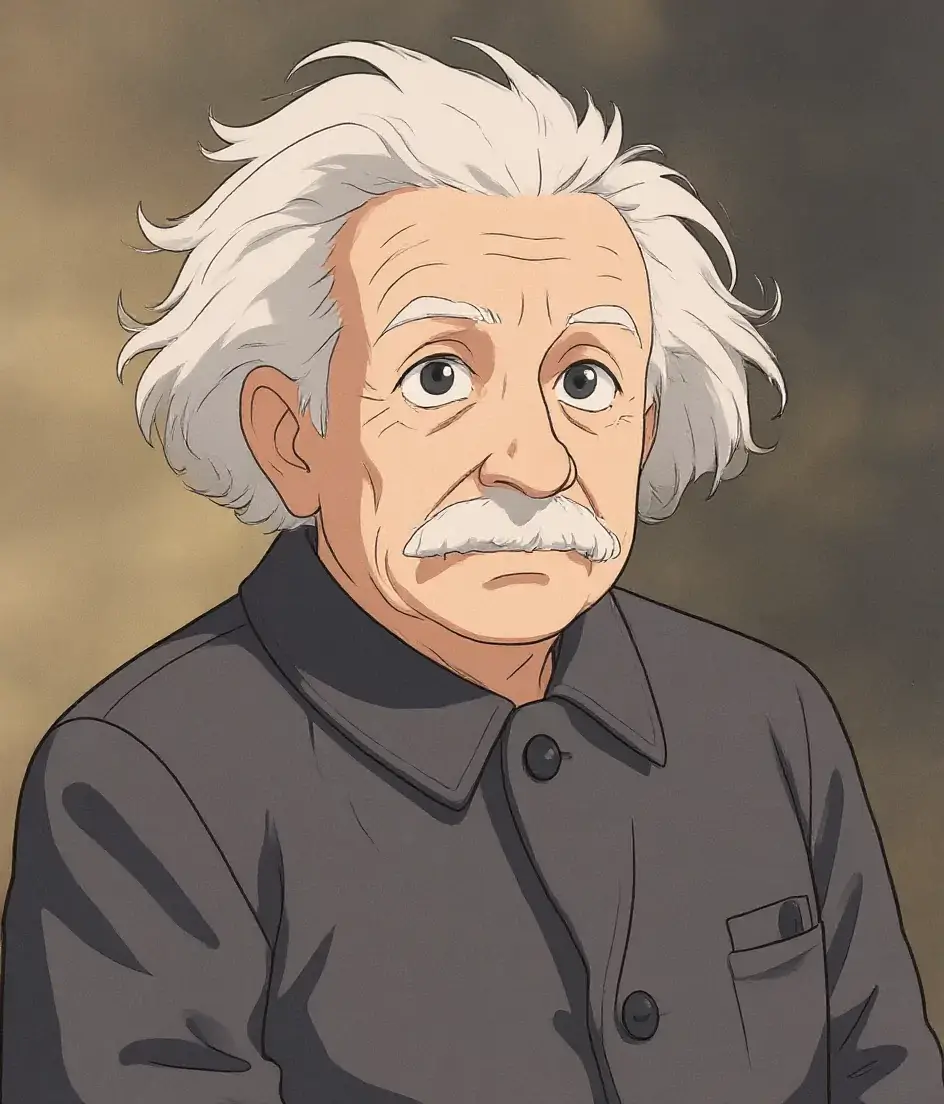 AFTER
AFTERScratch & Damage Repair
Fix scratches, creases, and aging damage while keeping the original composition.
Why Use AI Photo Restoration
Powered by flux-kontext-apps/restore-image on Replicate, integrated through the same API workflow as other image features.
Automatically repair scratches, creases, tears, and other physical photo damage.
Bring black-and-white or faded photos back to life with natural color restoration.
Recover lost detail from aged, sun-faded, or low-quality vintage photographs.
FLUX Kontext maintains faces and composition while improving overall quality.
Get restored results in seconds without manual retouching in desktop software.
FLUX Kontext apps support commercial use for archives, studios, and businesses.
Photo Restoration for Every Need
Restore family memories, historical archives, and vintage photography.
Family Photos
Restore precious family memories from old albums and scanned prints.
Historical Archives
Enhance and colorize historical photographs for museums and documentation.
Genealogy Research
Improve ancestor portraits for family trees and heritage projects.
Photo Studios
Offer quick AI-assisted restoration as part of your photo service workflow.
Memorial Keepsakes
Restore photos of loved ones for memorial albums and tribute projects.
Vintage Collections
Refresh scanned vintage images for digital archives and print reproduction.
FAQs about Photo Restoration
What types of photos can be restored?
The model works on faded, scratched, damaged, black-and-white, and low-quality old photos. Clear scans or photos with visible subjects produce the best results.
Does it colorize black-and-white photos?
Yes. VeryPix ReStore and Enhance Image can colorize old black-and-white photos while fixing damage and enhancing detail.
What image formats are supported?
You can upload PNG, JPG, JPEG, WEBP, and GIF images. Results can be exported as PNG or JPG.
How long does restoration take?
Most photos complete within a few seconds, depending on image size and server load.
Will faces look like the original person?
The model is designed to preserve identity and composition while improving clarity and repairing damage.
Restore Your Old Photos Now
Upload a faded or damaged photo and bring your memories back to life.
Upload Photo