AI Photo to Sketch: AI-Powered, Transform Your Photos into Master Drawings
Cutting-edge generative AI reshapes artistic creation — turn any portrait, pet photo, landscape, or architecture shot into stunning sketch artwork with natural lines and rich layers.
Click or drag to upload photo
Supports JPG, PNG, WEBP (Max 20MB)
Your sketch artwork will appear here
Your AI-edited image will be displayed here
Select Sketch Style
Pick a sketch style template — the prompt will sync automatically.
Selected: Pencil Sketch
Beautiful Photo to Sketch Works Showcase
Sketches in the eyes of AI are not just desaturation and edge extraction — they reshape artistic texture. Explore stunning conversion examples with prompts.
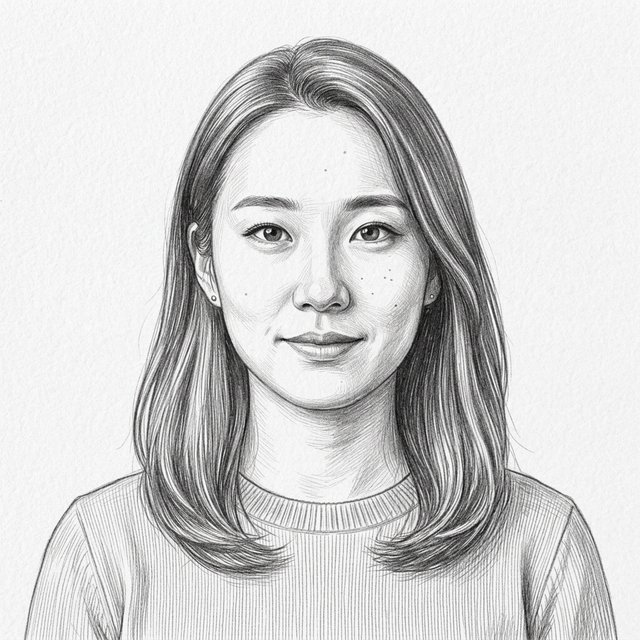 After
After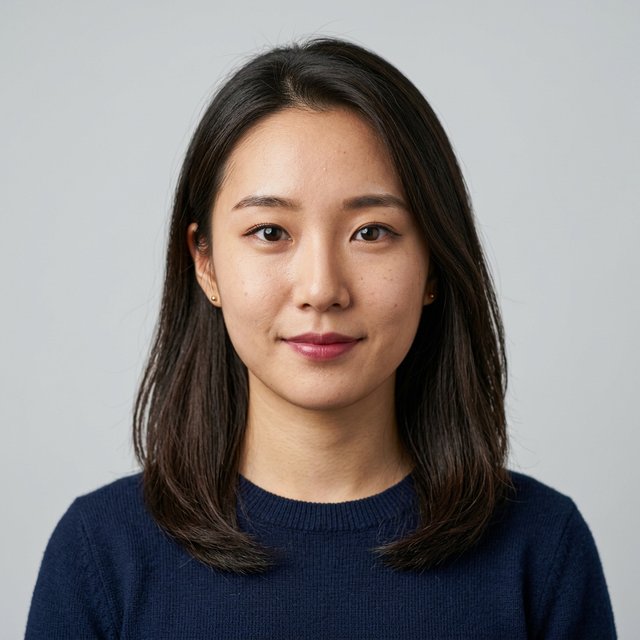
Convert this female portrait into a realistic pencil sketch style, with delicate graphite hatching, exquisite light-shadow transitions, preserving facial details, on pure white paper texture.
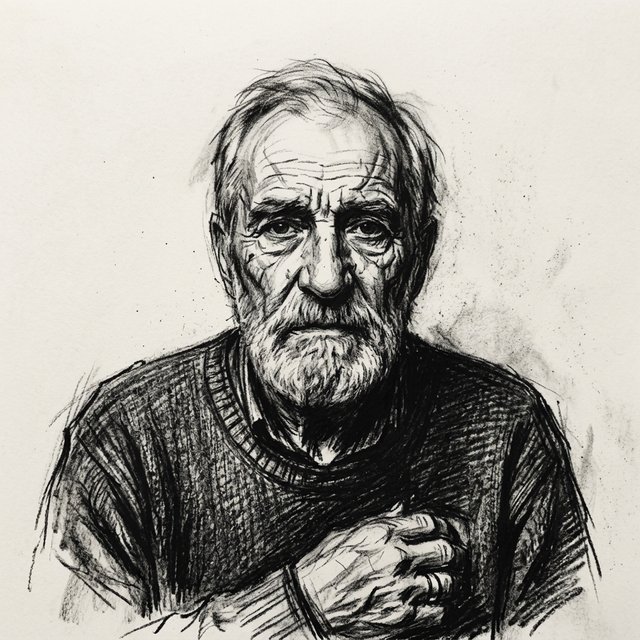 After
After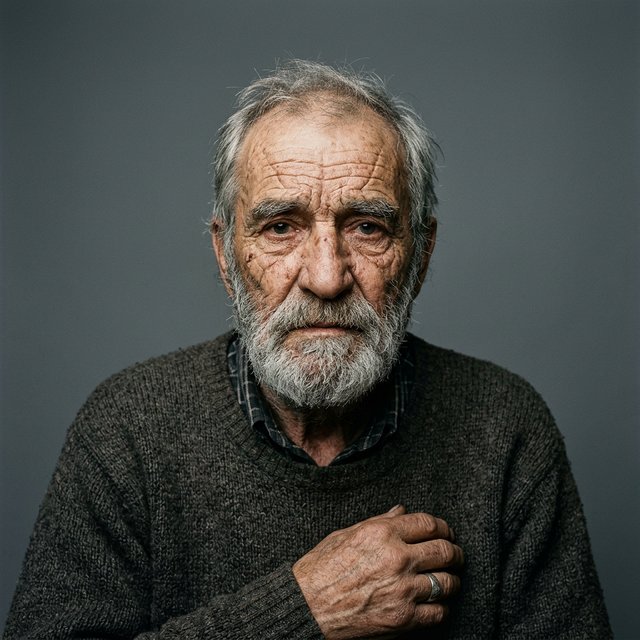
Convert into an expressive charcoal sketch, with bold and powerful black charcoal strokes, strong light-dark contrast, deep blended shadows, slightly loose edges.
 After
After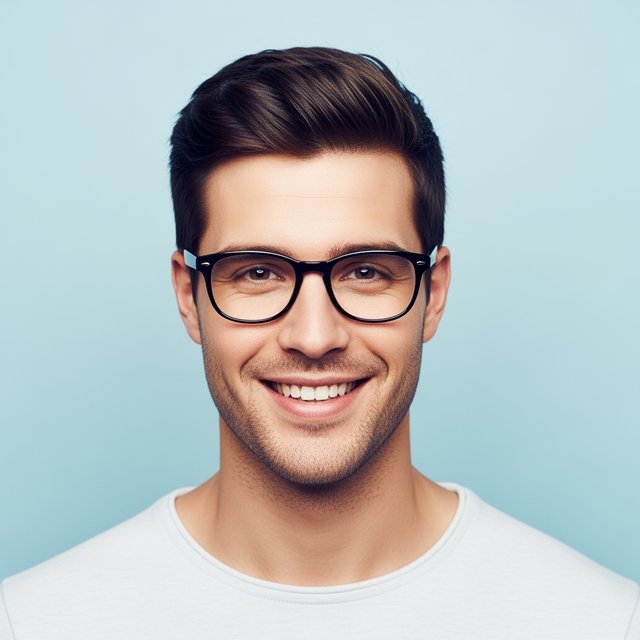
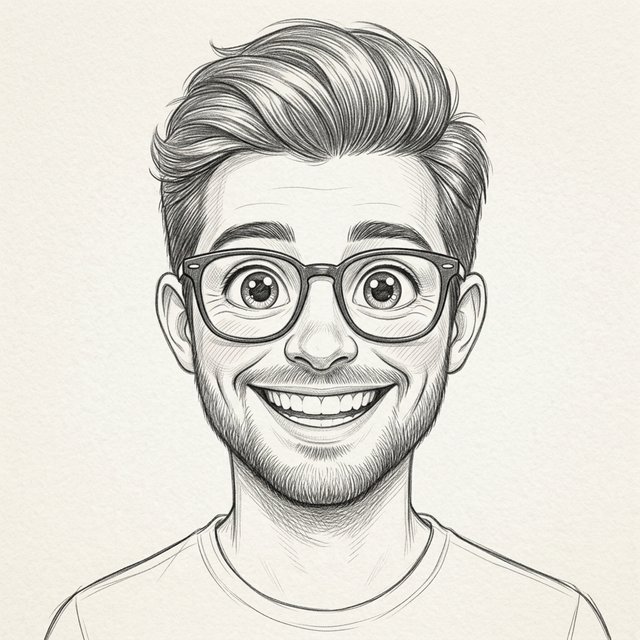
Convert into a cartoon sketch style, with exaggerated and expressive facial proportions, big eyes, clean and cute monochrome pencil lines, lively and vivid.
 After
After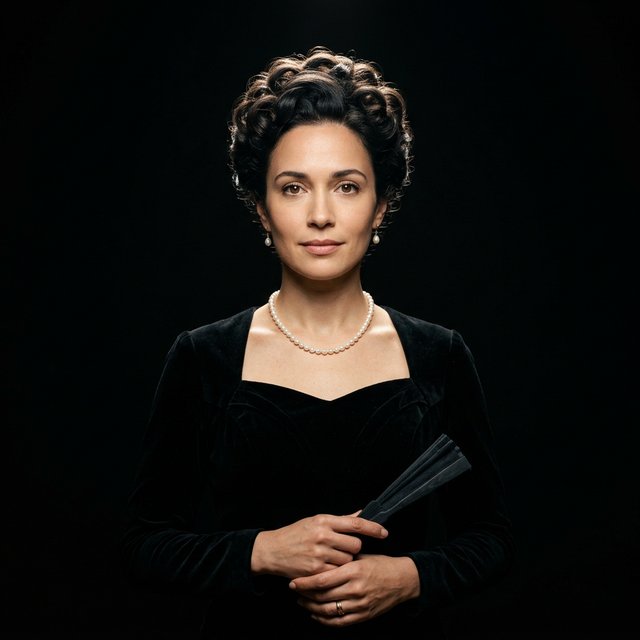
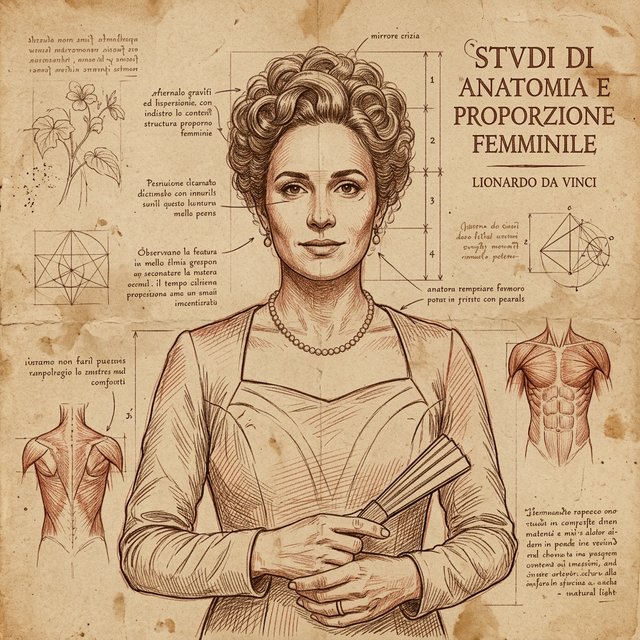
Convert into Da Vinci Renaissance manuscript style, with an aged yellowish parchment background, intertwined sepia ink and chalk lines, with a classical anatomical annotation feel.
 After
After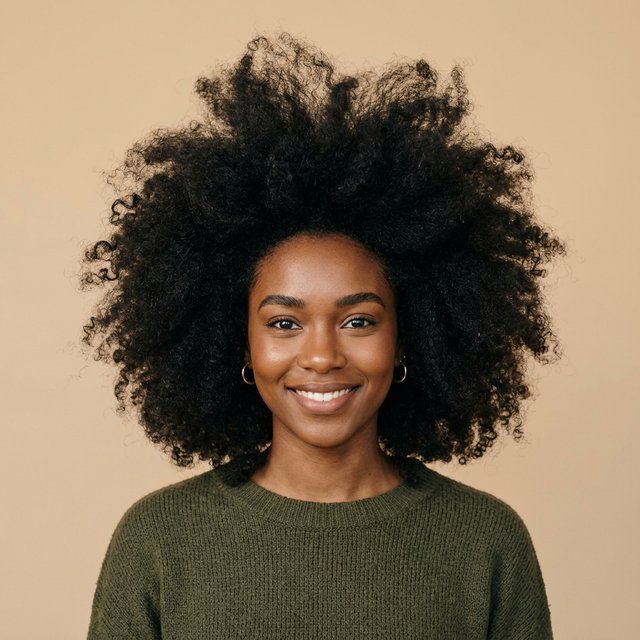
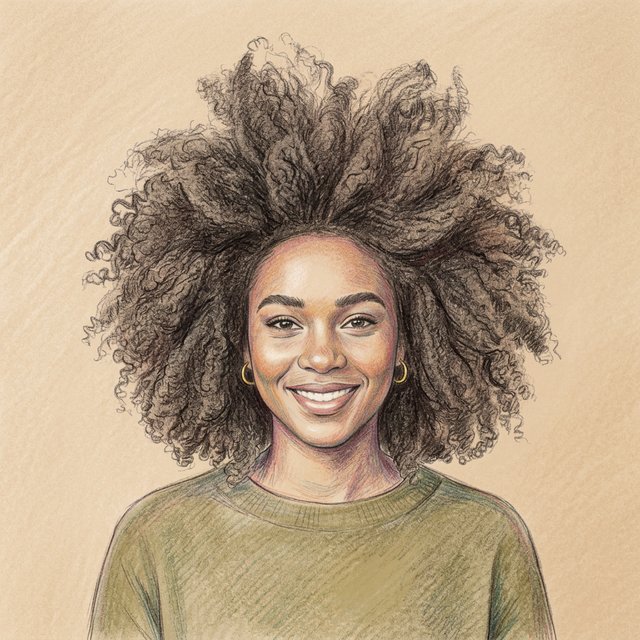
Convert into a colored pencil sketch, with soft pastel texture, delicate multi-colored shadow hatching, smooth color gradients, hand-drawn illustration style.
 After
After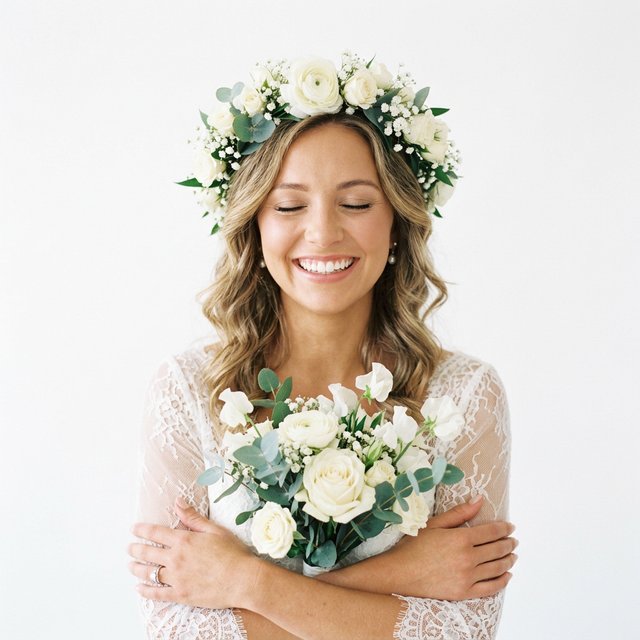
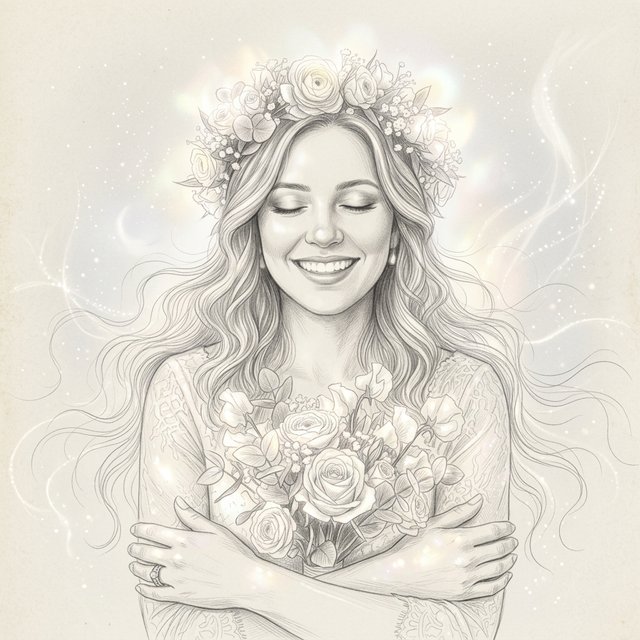
Convert into an ethereal refined sketch, with graceful lines, soft glowing highlights, fairy-tale dreamlike feel, extremely delicate hair rendering.
 After
After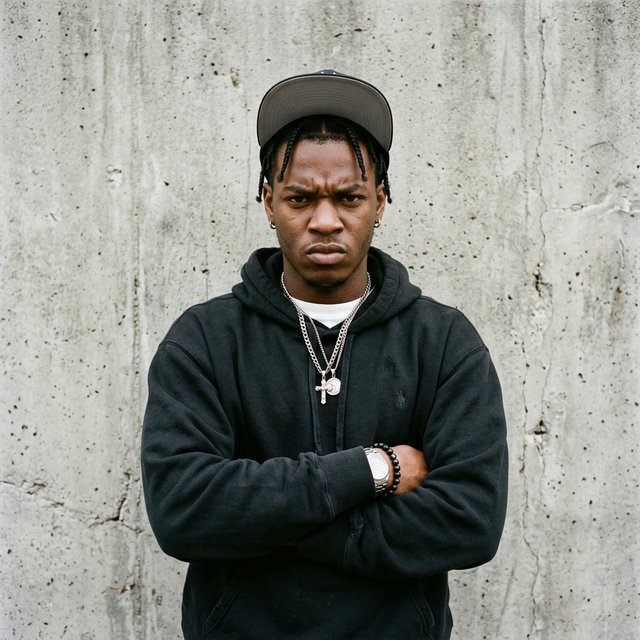
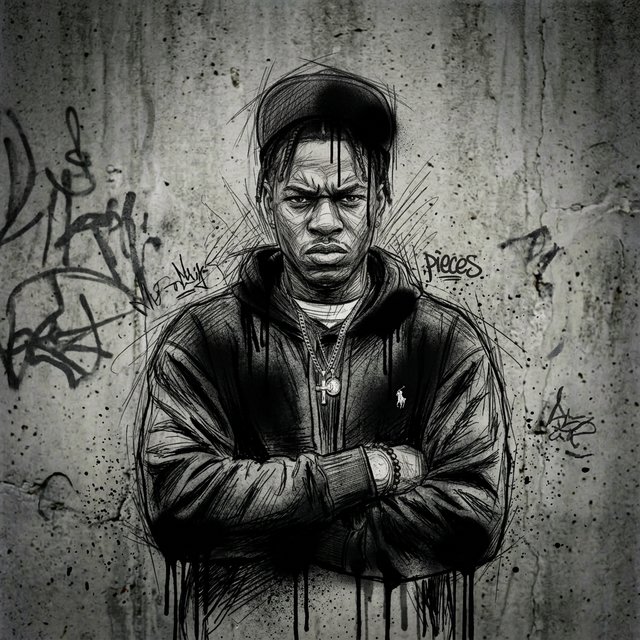
Convert into a street graffiti sketch style, wild pencil scribble lines mixed with black spray paint dripping effects, avant-garde with an urban rebellious feel.
 After
After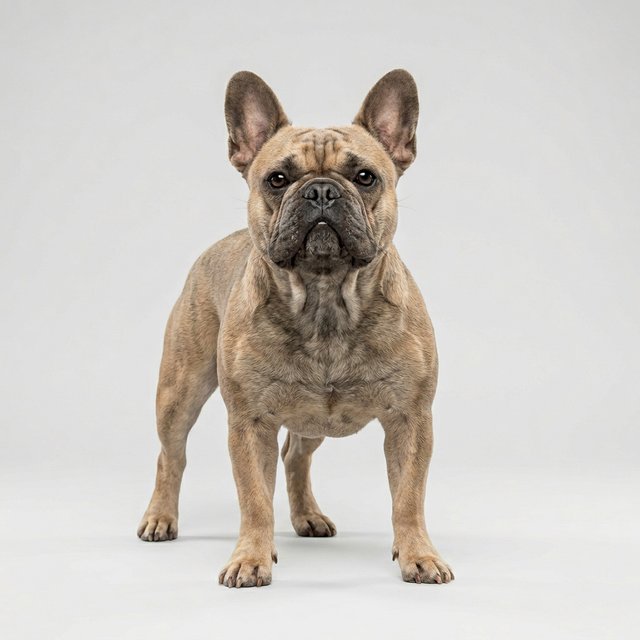
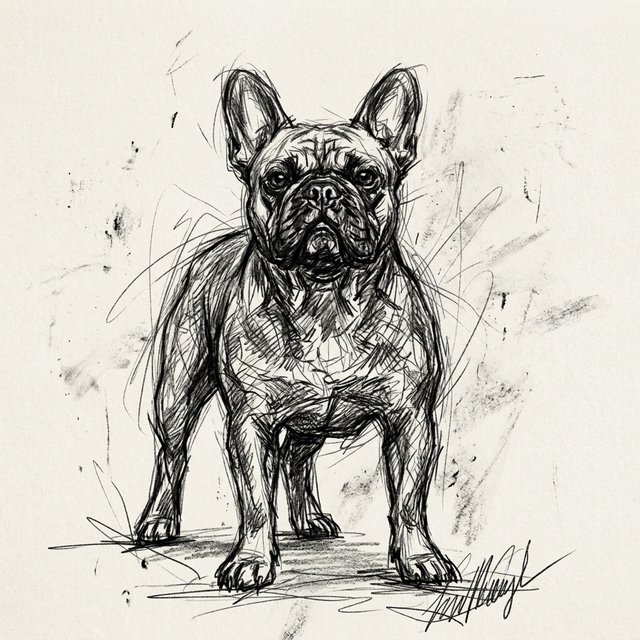
Convert into a bold expressionist sketch, with wild and loose dark carbon pencil strokes, carefree contour lines, full of power and dynamism.
 After
After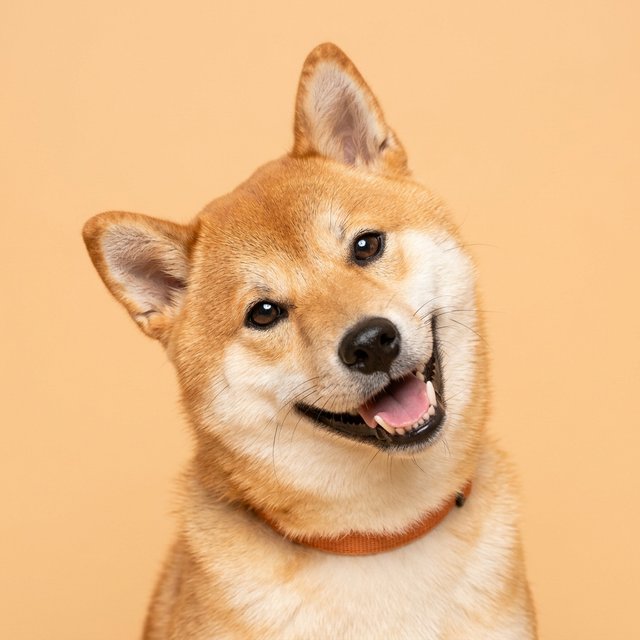
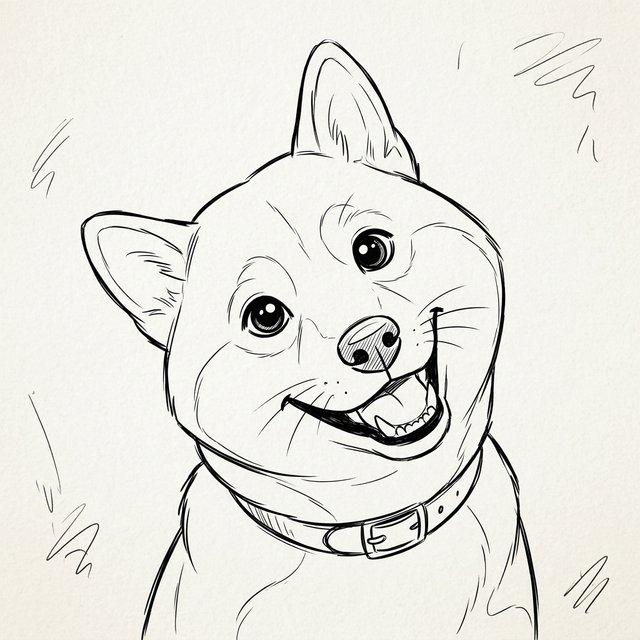
Convert into an American cartoon sketch, with clean and fluid lines, exaggerated big-head proportions, adorably cute monochrome hand-drawn style.
 After
After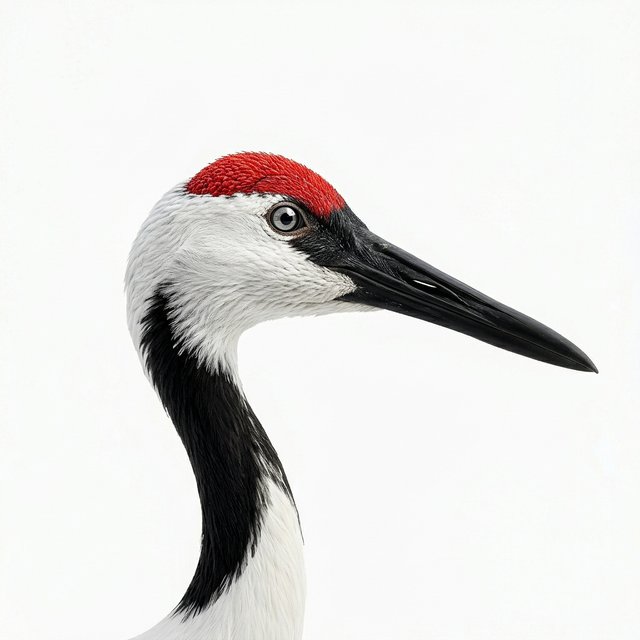
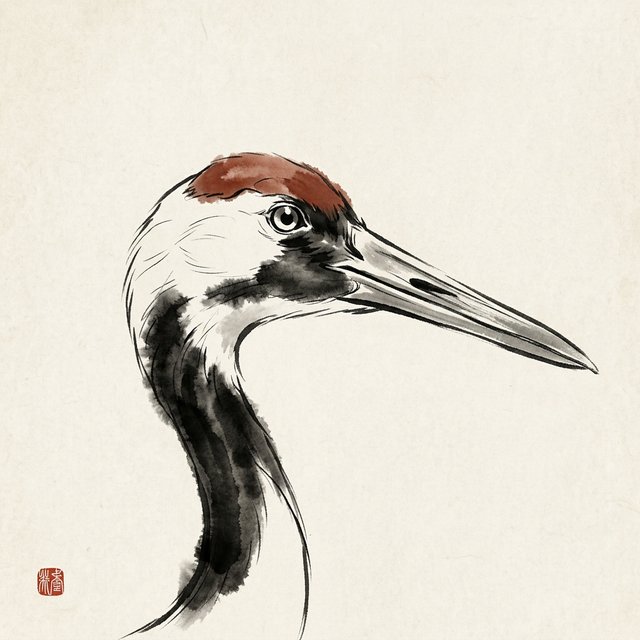
Convert into an Eastern traditional ink wash sketch, with richly varied brush line thickness, harmoniously balanced ink wash blending, white space artistry, full of Zen aesthetics.
 After
After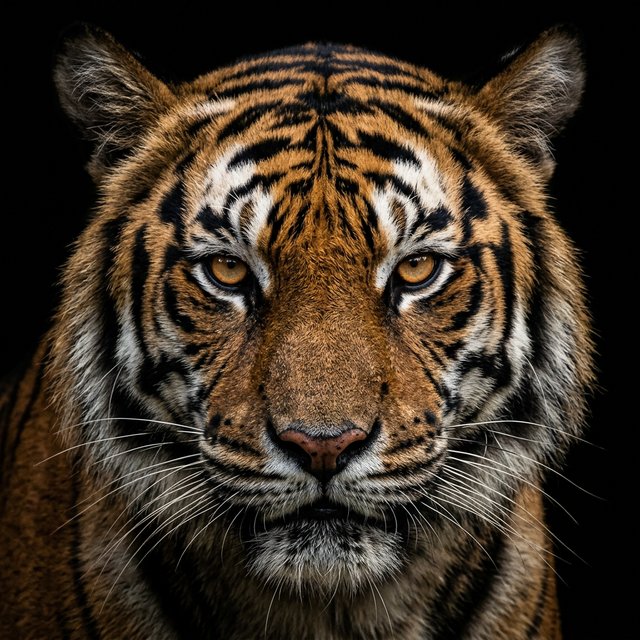
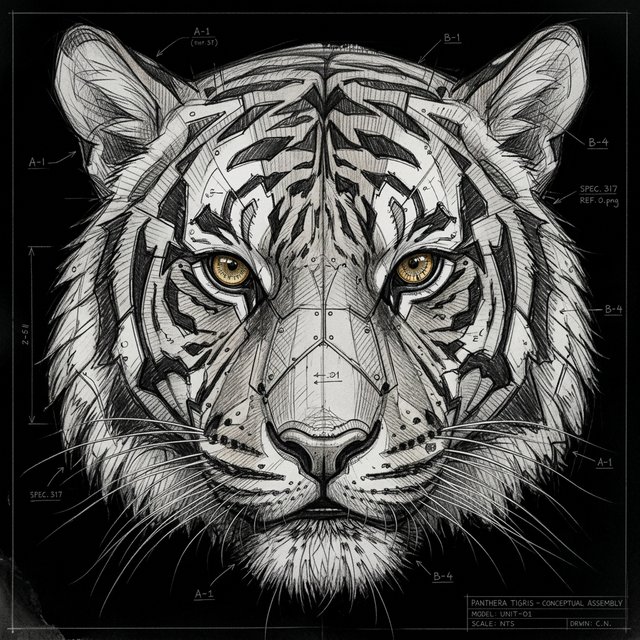
Convert into a concept sketch, with solid block divisions, quickly sketched industrial-style pencil lines.
 After
After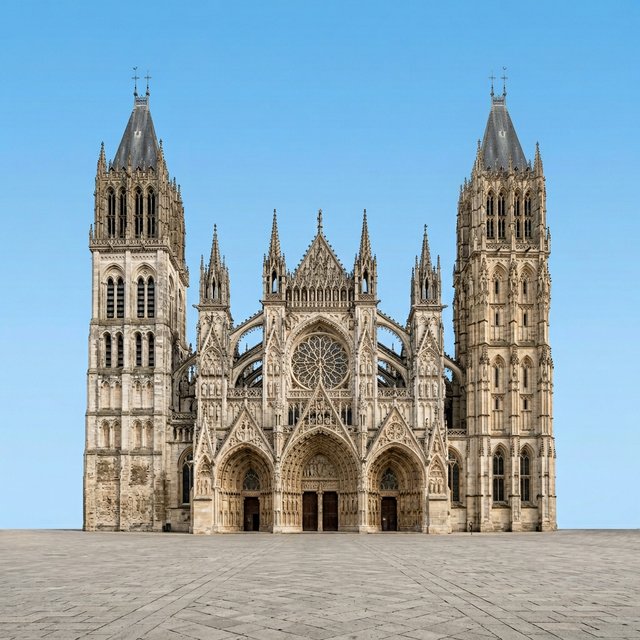
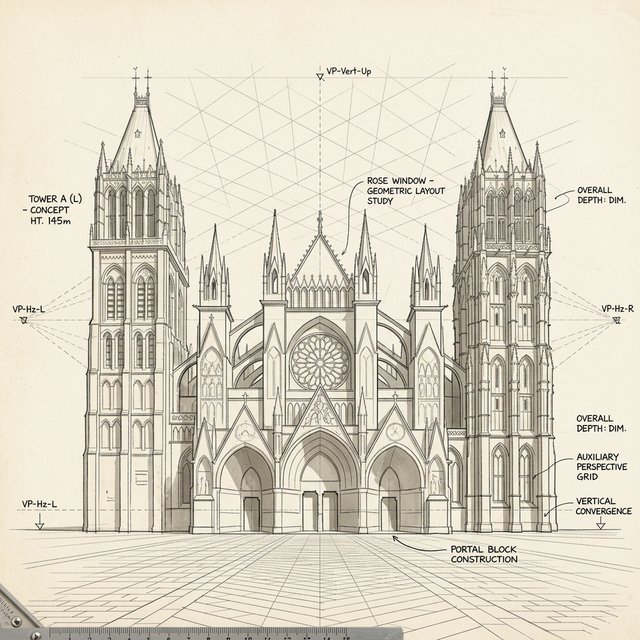
Convert into an architectural concept sketch, with rough but structurally precise block construction, featuring vanishing points and auxiliary grid lines, professional architectural draft style.
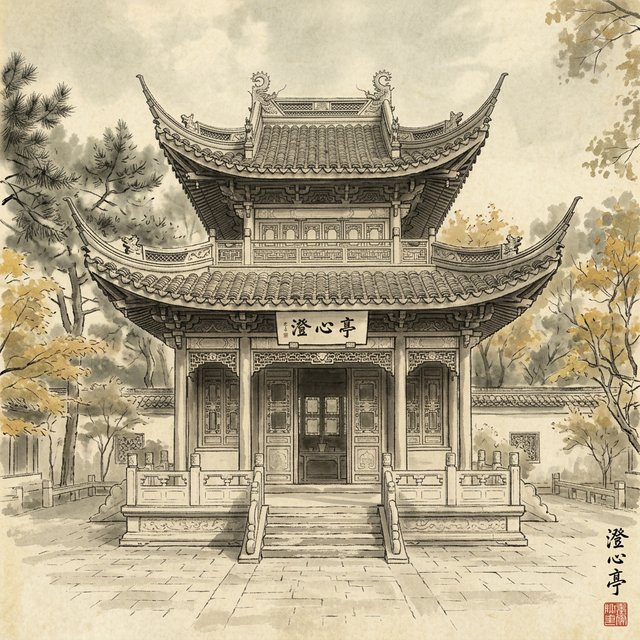 After
After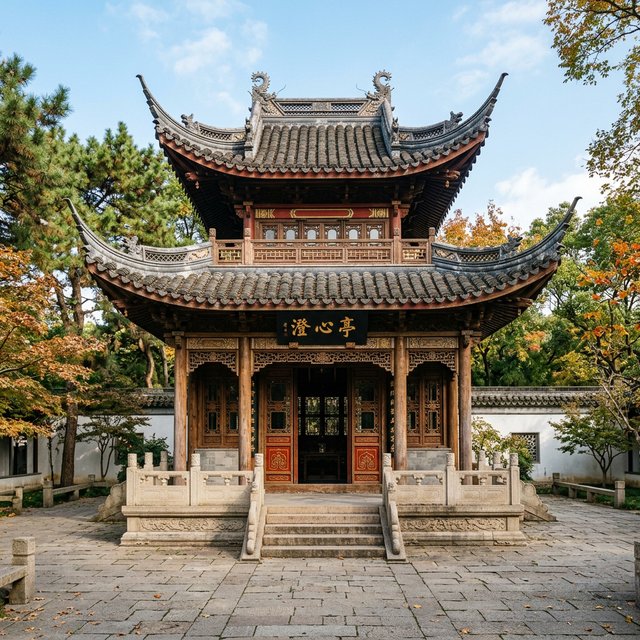
Convert into a Chinese-style ink wash sketch, combining dry brush texture strokes with wet brush blending, freehand ink lines outlining upturned eaves, classically elegant.
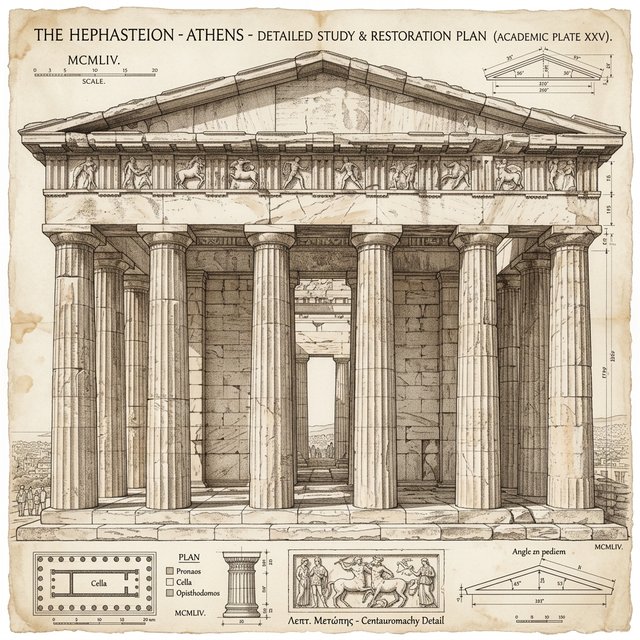 After
After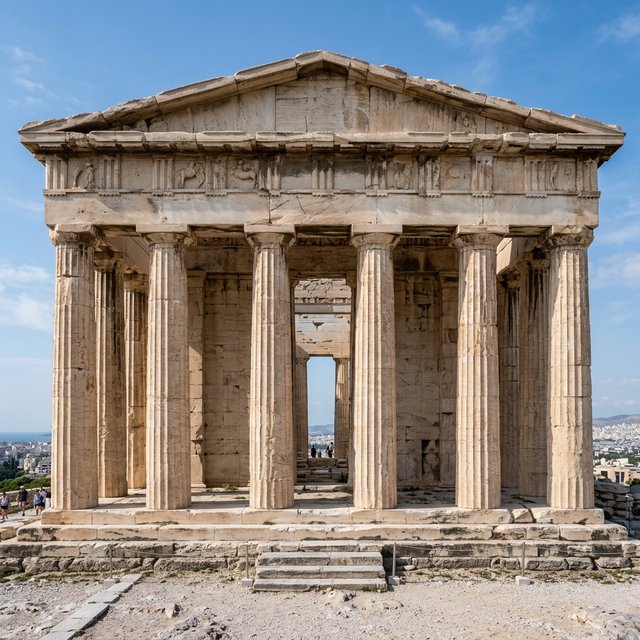
Convert into an academic extremely detailed architectural sketch, with highly precise perspective relationships, delicately restoring marble textures and time-worn mottled shadows.
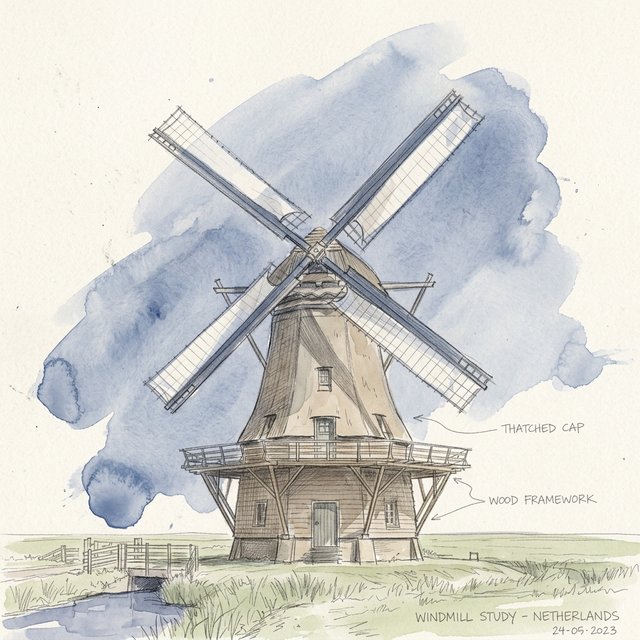 After
After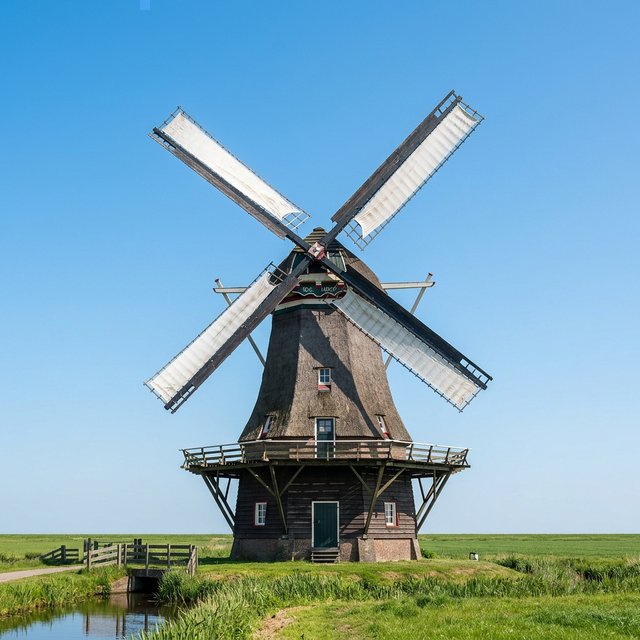
Convert into a watercolor architectural quick sketch, with relaxed freehand pencil underdrawing, overlaid with translucent monochrome watercolor washes.
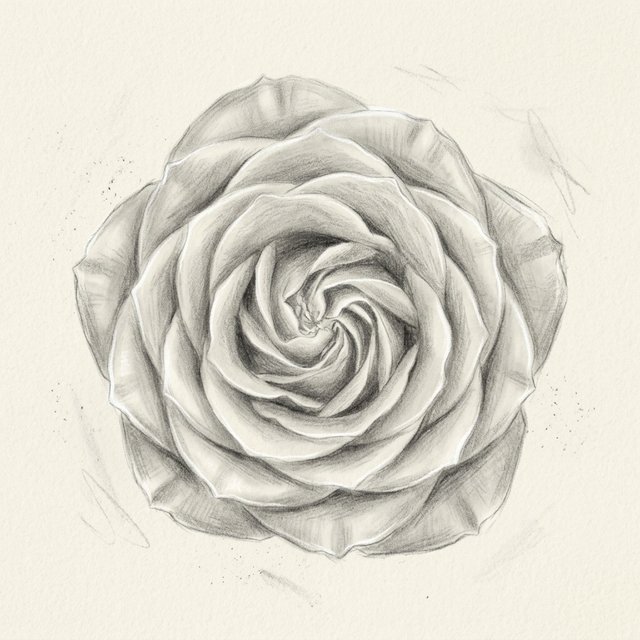 After
After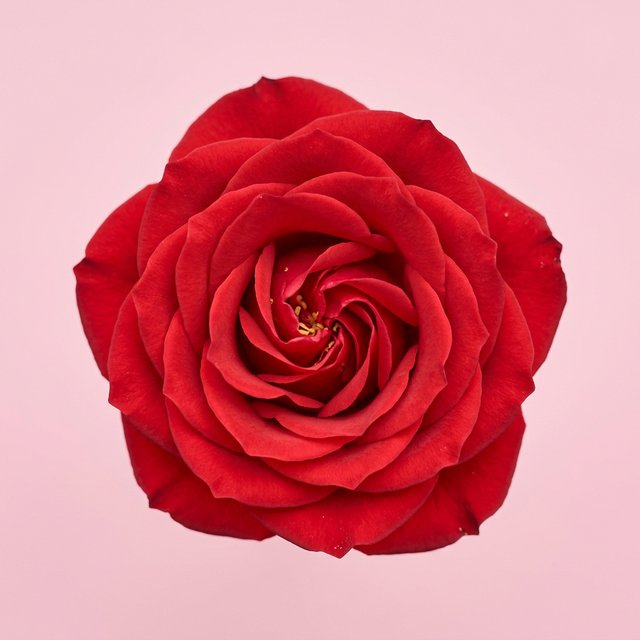
Convert into a dreamy ethereal black and white sketch, with soft pencil lines, petal edges with faint glowing highlight effects, extremely soft and romantic.
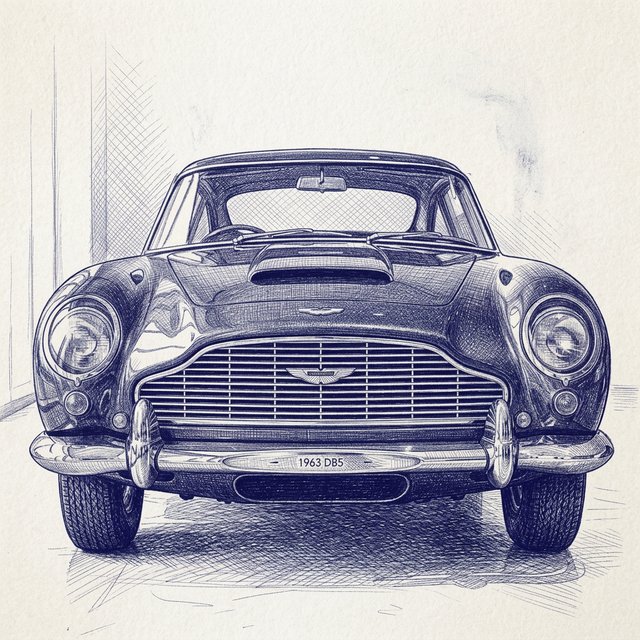 After
After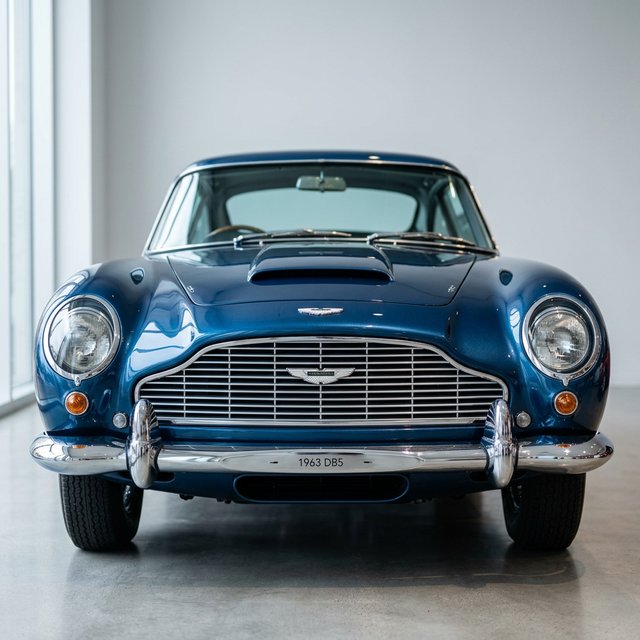
Convert into a dark blue ballpoint pen sketch, using dense cross-hatching to build up metallic reflective texture and car body light-shadow effects, vintage and delicate.
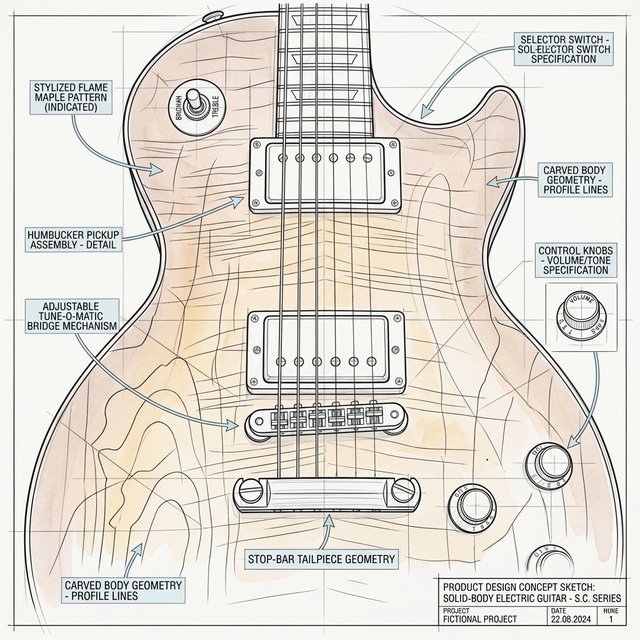 After
After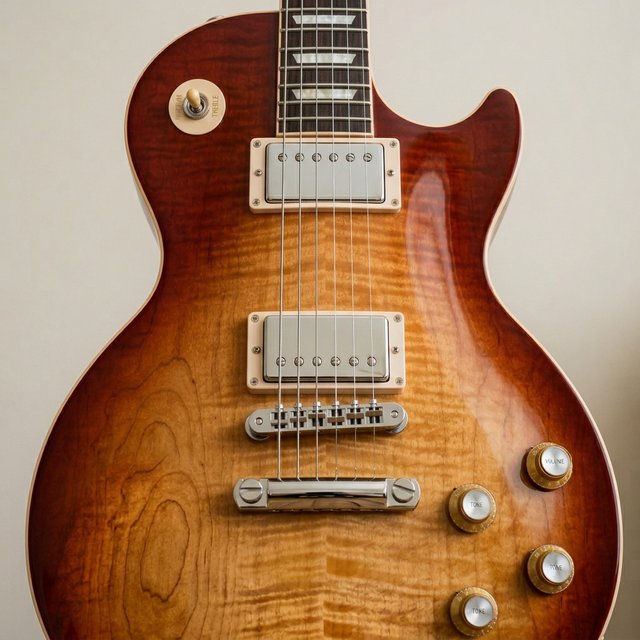
Convert into a product design concept sketch, with clean and crisp geometric outer contour lines, featuring indicator arrows and perspective structure lines, industrial design hand-drawn style.
 After
After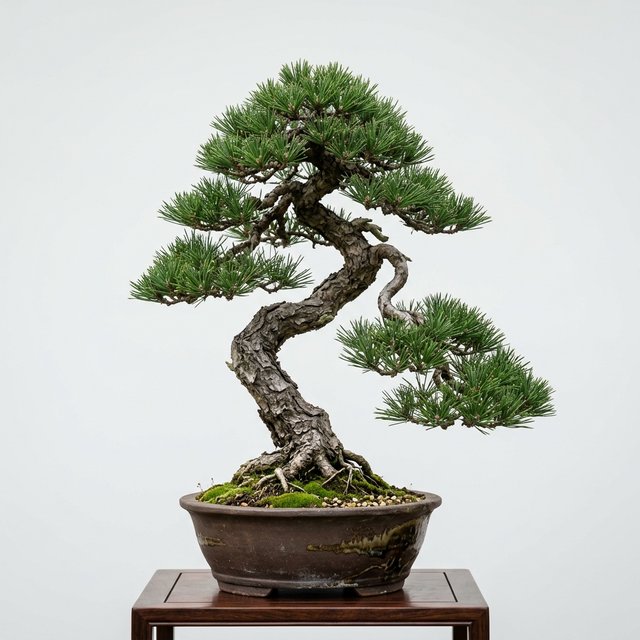
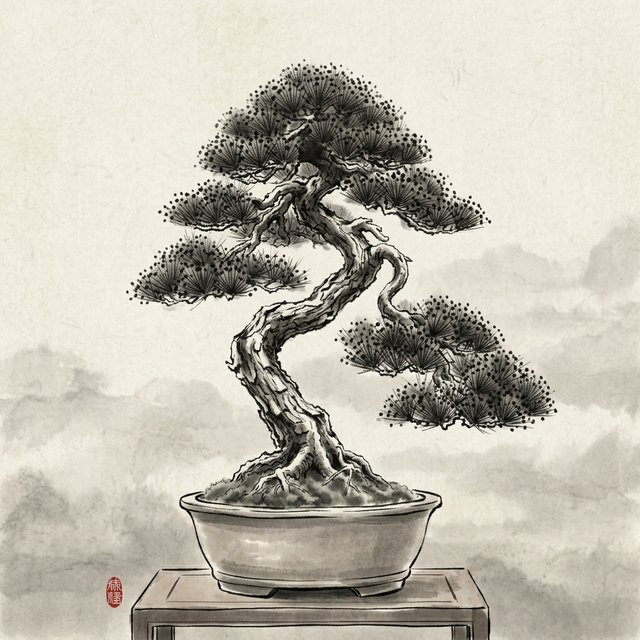
Convert into a traditional ink painting sketch, with bold freehand interweaving of light and dark ink, dry brush for tree trunks, moist ink dotting pine needles, profound artistic conception.
 After
After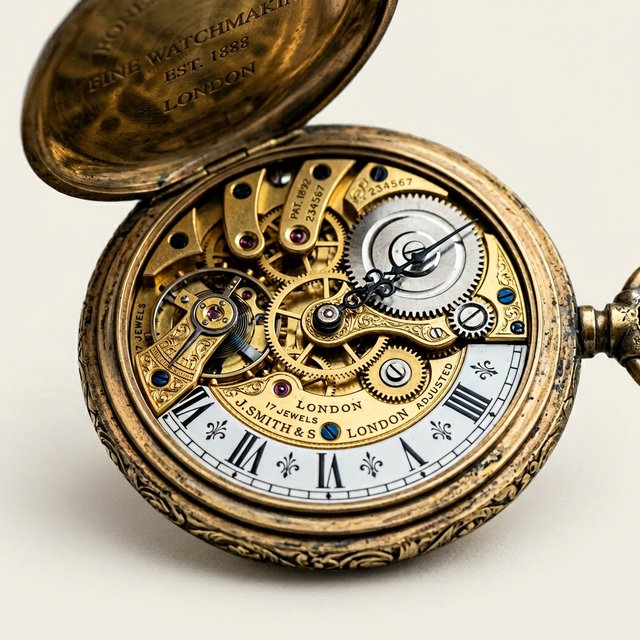
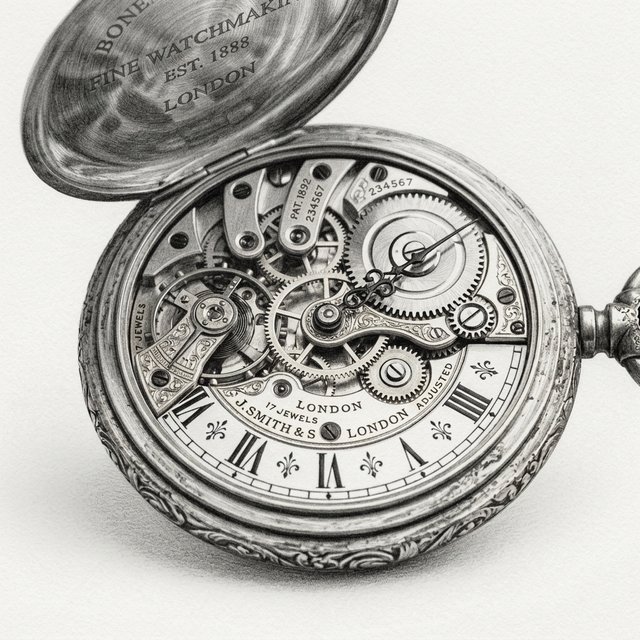
Convert into an ultra-realistic detailed sketch, using extremely fine pencil to render the complex mechanical gears and metallic luster inside a pocket watch, as lifelike as a black and white photograph.
What You Can Create with Photo to Sketch
From portraits to pets, landscapes to architecture — discover what AI sketch conversion can do for your photos.
Portrait Photography: Capturing the Soul with Delicate Strokes
AI accurately identifies facial features and bone structure. Hair fluffiness, eye highlights, and soft skin shadows are preserved in pencil or charcoal sketches — every line resembles a professional artist's work.
Pet Snapshot: Capturing Your Furry Friend's Healing Moments
Delicate cross-hatching restores your pet's fluffy texture and clear eyes. Cluttered backgrounds fade away, leaving a premium hand-drawn pet portrait full of healing aesthetic.
Natural Landscape: Preserving Time's Artistic Scroll
AI distinguishes primary and secondary elements in complex landscapes. Watercolor or bold pencil templates depict mountain hardness and cloud softness — turning ordinary photos into wall-worthy art.
Modern Architecture: Reshaping Spatial Geometric Aesthetics
Enhanced line extraction and spatial perspective for glass skyscrapers or minimalist villas. Generate structurally rigorous architectural concept sketches with precise perspective in one click.
Why Choose AI Photo to Sketch?
Native AI Model Driven, Perfect Detail Restoration
Powered by the latest generative AI models — intelligently recognizing facial features, light-shadow structure, and spatial depth for natural line arrangement and rich layers.
Massive Built-in Sketch Style Templates, Click and Use
From classic pencil sketches and minimalist contour lines to rough charcoal and vintage colored pencil — switch artistic schools with one click, no complex prompts needed.
Simple Operation, One-Click Generation
No tedious parameter adjustments or complex software tutorials. Transform photos into sketches at your fingertips, even without design experience.
Bank-Level Security, Worry-Free Privacy Protection
Your uploaded photos are only used for AI inference and are not stored long-term or used for unauthorized commercial purposes.
Frequently Asked Questions
How does the photo to sketch feature work?
Upload a photo, select a sketch style template, and our AI model regenerates your image with hand-drawn artistic texture — not simple filters or edge detection.
How long does it take to convert a photo?
Most conversions complete in 10–60 seconds depending on queue load.
Do I need to know how to draw or write prompts?
No. Choose from 18 built-in sketch style templates — prompts sync automatically. You can also edit the prompt for custom effects.
What types of photos does photo to sketch support?
Portraits, pets, landscapes, architecture, products, and more. Clear, well-lit photos produce the best sketch results.
Will the converted sketch become blurry?
Results are generated at high resolution suitable for download and sharing. Output format can be PNG or JPG.
Are my uploaded personal photos safe?
Images are processed securely with enterprise-grade protection. Only you have access to your uploads.
Start Your AI Art Master Journey Now!
No brushes, paper, or paint needed — every photo contains a work of art with great potential.
Free One-Click Generate Sketch