Remove Watermarks from Images Instantly
Upload your photo and let AI automatically detect and remove watermarks, logos, and text overlays while preserving the original image quality and natural appearance.
Click to upload or drag and drop
Support JPG, PNG, WEBP, GIF up to 20MB
No image ready? Try one of these sample photos to remove watermarks instantly.
Output format: JPG or PNG depending on the source image.
Processing typically completes within a few seconds.
Your clean image will appear here
Your AI-edited image will be displayed here
Watermark Removal Examples
See how AI watermark removal handles product photos, posters, stock images, and marketing materials.


Product Photos
Clean watermarks from e-commerce product images for listings and catalogs.


Posters & Graphics
Remove logo overlays and text watermarks from promotional materials.
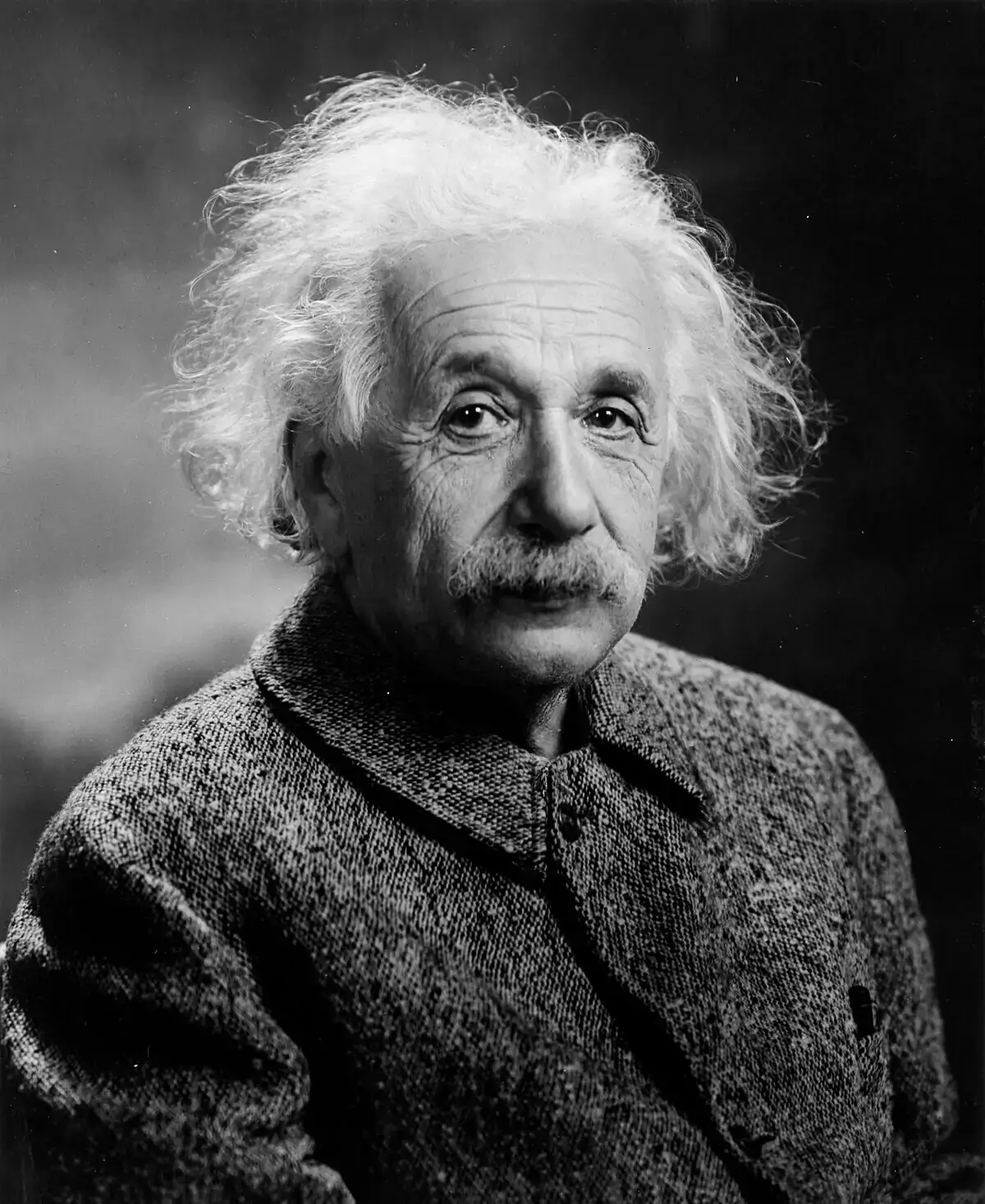

Stock Images
Restore stock photos by removing preview watermarks for licensed use.
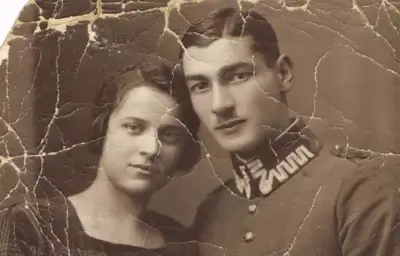

Scanned Documents
Remove stamp marks and watermark overlays from scanned files.
What Makes Our AI Watermark Remover Different?
Powered by PicWish advanced visual AI, our tool automatically identifies watermark regions and reconstructs the underlying image for clean, natural results.
Smart Auto Detection
AI locates watermark areas across the image without manual masking or selection tools.
Natural Reconstruction
Inpainting technology fills removed regions seamlessly, preserving textures, lighting, and detail.
Fast & Simple
Upload one image, click remove, and download your result — no design skills required.
How It Works
Professional Watermark Removal
Built on PicWish watermark removal API, integrated through the same credits and job workflow as other AI image tools.
AI identifies text, logo, and overlay watermarks without manual selection.
Results look clean and natural, suitable for product photos and marketing assets.
Supports JPG, PNG, BMP uploads up to 50MB with flexible resolution handling.
Most images complete within seconds using async PicWish processing.
Your images are processed securely and stored in your account history.
Same upload, credits, and download flow as background removal and other AI tools.
Watermark Remover for Every Use Case
From e-commerce to content creation, remove watermarks for any type of image.
E-commerce Products
Clean product photos for marketplace listings and online stores.
Marketing Materials
Remove watermarks from posters, banners, and promotional graphics.
Stock Photos
Prepare licensed stock images by removing preview watermarks.
Social Media
Clean images for posts, stories, and profile content.
Documents & Scans
Remove stamp marks and overlay watermarks from scanned documents.
Design Assets
Restore design mockups and templates by removing sample watermarks.
Use watermark removal responsibly and only on images you have the right to edit.
FAQs about AI Watermark Removal
What image formats are supported?
You can upload JPG, PNG, WEBP, and GIF images. PicWish API supports JPG, PNG, and BMP up to 50MB.
How does AI remove watermarks?
PicWish AI automatically detects watermark regions and uses inpainting to reconstruct the underlying image for a clean, natural result.
How long does processing take?
Most images complete within 5–15 seconds. Complex images with large watermarks may take slightly longer.
Can I remove any watermark?
The tool works best on standard text and logo watermarks. Very complex or full-image overlays may vary in quality.
Is it legal to remove watermarks?
Only remove watermarks from images you own or have permission to edit. Respect copyright and licensing terms.
Remove Watermarks from Your Images
Upload your photo and get a clean result in seconds. No install needed.
Upload Image